
Let's be real: you didn't start a business to spend 6 hours a week chasing down invoices or manually sorting support tickets at 11 PM. Yet here we are.
Most small business owners in South Florida are stuck running their businesses like it's 2015, manually doing tasks that could run themselves while they sleep. The result? You're working 60-hour weeks while your competitors who've automated are closing deals on the golf course.
Here's the truth: workflow automation isn't just for enterprise companies with massive tech budgets anymore. The tools have gotten stupidly simple, and the ROI is immediate. We're talking about reclaiming 20-25 hours every single week, time you can actually spend growing your business instead of drowning in operational busywork.
Let me walk you through seven automation hacks that are saving our Fort Lauderdale clients real hours (and real money) every single week.
1. Automate Your Customer Follow-ups and Lead Nurturing (Saves 5-8 Hours Weekly)
You know that spreadsheet you keep meaning to check? The one with leads who filled out your contact form three weeks ago and never heard back? Yeah, that's costing you money.
The fix is embarrassingly simple: set up automated email sequences that nurture leads without you touching anything. When someone fills out your form, an AI-powered workflow kicks in automatically, it matches the lead with relevant resources based on their interest, sends a personalized email within 2 minutes (not 2 days), and continues nurturing them over the next 14 days.
Here's what this looks like in practice: A plumbing company in Delray Beach implemented this last October. Before automation, they'd respond to new leads "when they had time", usually 24-48 hours later. Their close rate was about 12%. After setting up automated lead nurturing, response time dropped to under 5 minutes, and their close rate jumped to 31%. Same leads. Same service. Just faster, smarter follow-up.
The best part? You're not writing hundreds of individual emails. You create 5-7 email templates once, and the system personalizes and sends them automatically based on user behavior. If they click on your pricing page, they get a different email than someone who clicked on your service area page.

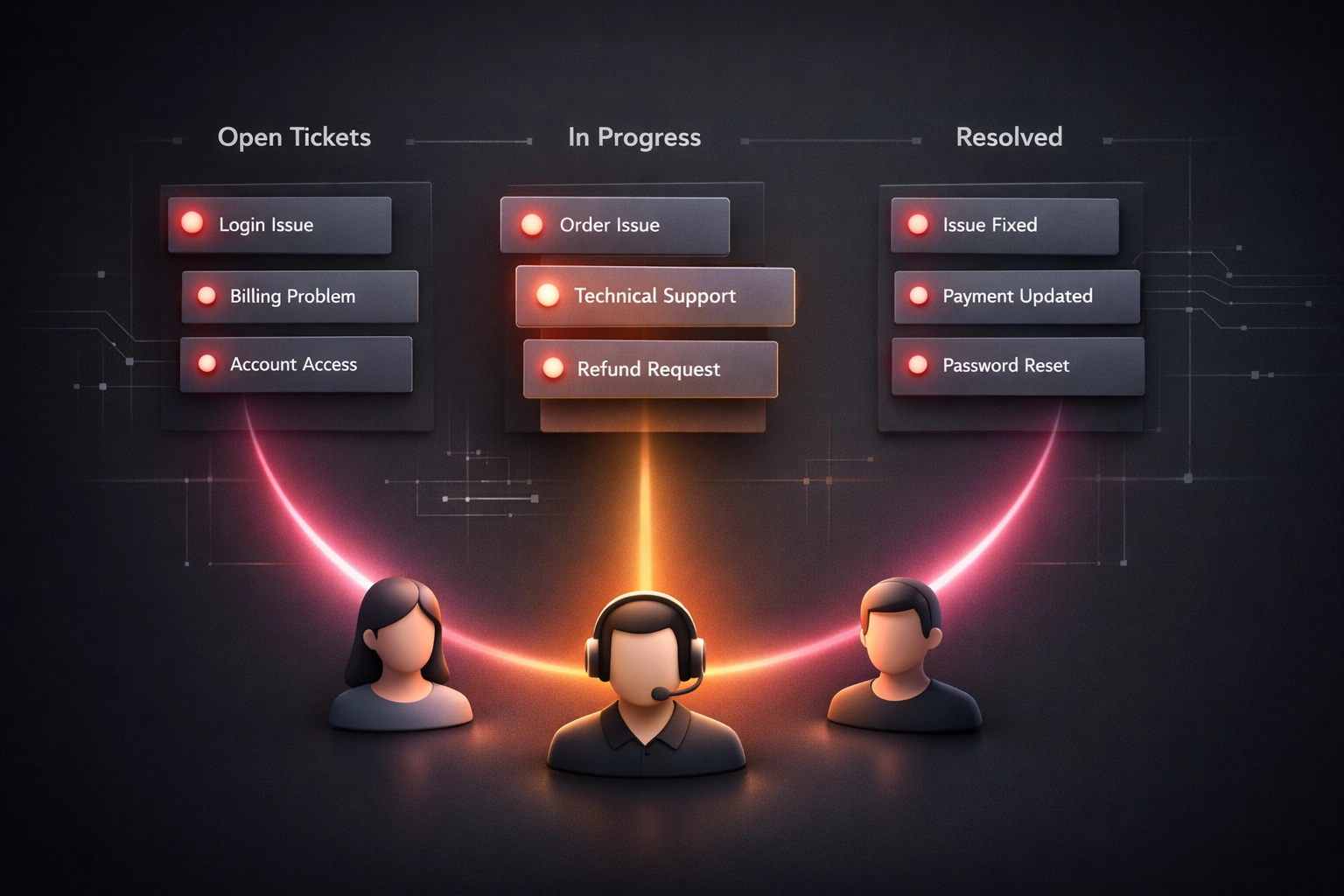
2. Route Customer Support Tickets Automatically (Saves 4-6 Hours Weekly)
If you're still manually reading every support email and deciding who should handle it, you're hemorrhaging time you can't get back.
AI-powered ticket routing reads incoming support requests, categorizes them by type and urgency, and assigns them to the right team member instantly. No more morning email triage sessions. No more "Hey, can someone handle this?" Slack messages.
A marketing agency we worked with had three people fielding client requests, website issues, content questions, ad performance concerns. Their old system? Whoever saw the email first would either handle it or forward it to someone else. Tickets were getting missed, clients were frustrated, and the team was spending 90 minutes every morning just sorting through the queue.
Now? An AI workflow reads the ticket, cleans up the description, tags it by department (web dev, content, ads), and sends a Slack notification to the designated person. Average response time went from 4.2 hours to 23 minutes. Client satisfaction scores jumped from 3.8 to 4.6 out of 5.
The crazy part is setting this up took about 90 minutes. The time savings kicked in immediately.
3. Streamline Invoice Generation and Payment Collection (Saves 3-5 Hours Weekly)
Cash flow problems kill more small businesses than bad products. And you know what kills cash flow? Sending invoices late, forgetting to follow up on overdue payments, and manually creating receipts for every transaction.
Automate the entire invoice-to-payment cycle. When a customer places an order or you complete a project, the system automatically generates the invoice, sends it to the client, and triggers reminder emails at 7, 14, and 21 days if payment hasn't been received.
A Fort Lauderdale-based interior design firm implemented this workflow automation last year. Before: the owner was spending 4-5 hours weekly creating invoices in QuickBooks, emailing them manually, and keeping a separate spreadsheet of who owed what. Her average payment time was 38 days, and she was constantly chasing down late payments.
After automation: invoices go out within 30 minutes of project completion, reminders send automatically, and average payment time dropped to 19 days. That's nearly $18,000 in improved cash flow over 6 months just from getting paid faster. Plus, she reclaimed those 4-5 hours to actually design instead of doing accounting admin work.
4. Eliminate Appointment Scheduling Back-and-Forth (Saves 3-4 Hours Weekly)
The "when works for you?" email chain is a productivity black hole. You send three options. They respond two days later. One time works but now your calendar changed. You suggest new times. They're traveling. Meanwhile, a week has passed and you still don't have a meeting booked.
Give clients 24/7 self-scheduling access to your calendar. Modern scheduling automation shows your real availability, lets people book instantly, sends calendar invites automatically, and triggers reminder emails 24 hours and 1 hour before the appointment.
We've seen no-show rates drop from 25-30% down to under 8% just by adding automated reminders. That's real money for service businesses where every appointment matters.
A local HVAC company was losing approximately $3,200 monthly to no-shows before implementing automated scheduling and reminders. After? No-shows dropped to almost zero, and the owner stopped spending 3-4 hours weekly playing phone tag trying to schedule appointments.
5. Automate Employee Onboarding and Offboarding (Saves 4-6 Hours Per New Hire)
This one's a game-changer if you're growing and bringing on new team members regularly. Onboarding without automation is chaos, you're coordinating between HR for paperwork, IT for laptop and software access, finance for payroll setup, and the actual team for training schedules.
One workflow can orchestrate all of it. When you mark someone as "hired" in your system, it automatically triggers:
- IT ticket to order laptop and set up software accounts
- HR notification to send onboarding documents
- Finance notification to set up payroll
- Automated welcome email with first-day details
- Calendar invites for training sessions
A 15-person marketing firm in Miami used to spend 6+ hours per new hire just coordinating logistics. Now? They click one button and the entire process runs itself. Check out how we've built automation systems for businesses dealing with complex multi-step processes.
6. Schedule Social Media Posts and Email Campaigns in Advance (Saves 2-3 Hours Weekly)
Consistent content is what builds audiences. But posting every single day manually is exhausting and unsustainable.
Batch-create content once a month and schedule everything to publish automatically. Spend 3 hours on the first Monday of the month writing your social posts and email newsletters, load them into your automation platform, and walk away. Content goes out daily without you lifting a finger.
The compounding effect here is massive. A local real estate agent was posting inconsistently, sometimes 5 times a week, sometimes not at all for two weeks. Her engagement was all over the place, and she was stressing about "what to post today" every morning.
After moving to batch-creation and automated scheduling, she posts consistently 5 days a week, her audience grew 340% in 8 months, and she freed up 2.5 hours weekly. More importantly, she stopped thinking about social media daily because it just runs itself.

7. Deploy Customer Support Chatbots and Inventory Syncing (Saves 3-4 Hours Weekly)
Your customers have questions at 9 PM on Sunday. You're not answering your phone at 9 PM on Sunday (and you shouldn't have to). But competitors with 24/7 chatbots? They're capturing those leads while you're watching Netflix.
AI chatbots handle the top 15-20 most common questions automatically, hours, pricing, availability, service areas. When questions get complex, they collect details and route to your team during business hours.
Pair this with automated inventory syncing if you sell products across multiple platforms. Every time something sells on your website, inventory automatically updates on Amazon, eBay, social channels, preventing the nightmare of overselling products you don't have.
A local boutique was manually updating inventory across 4 sales channels. After automating, she eliminated 3-4 hours of weekly manual entry and hasn't had an "oversold" incident in 9 months.
Where to Start (Like, Actually Start)
Don't try to automate everything at once. That's how you end up overwhelmed and implementing nothing.
Pick the ONE automation that solves your biggest time drain right now. For most small businesses, that's either customer follow-ups, invoicing, or appointment scheduling. Implement that single workflow this week. Once it's running smoothly (usually within 2-3 weeks), add the next one.
The beauty of modern no-code platforms like Zapier, Make, or Activepieces is you don't need a developer. If you can follow a recipe, you can build these workflows. And if you'd rather have experts handle it? That's literally what we do at Ingenious Digital.
The small businesses winning in 2026 aren't working harder: they're working smarter by letting automation handle the repetitive stuff while they focus on strategy, relationships, and growth.
Twenty hours back in your week. What would you do with that time?